Magic-CSS
✨ Magic CSS
A collection of powerful CSS utility generators to streamline your web design workflow
🎨 Create stunning CSS effects and utilities with interactive tools. Generate border-radius, gradients, shadows, filters, and more with real-time preview and instant copy-to-clipboard functionality.

🚀 Features
Magic CSS provides a comprehensive suite of interactive CSS generators:
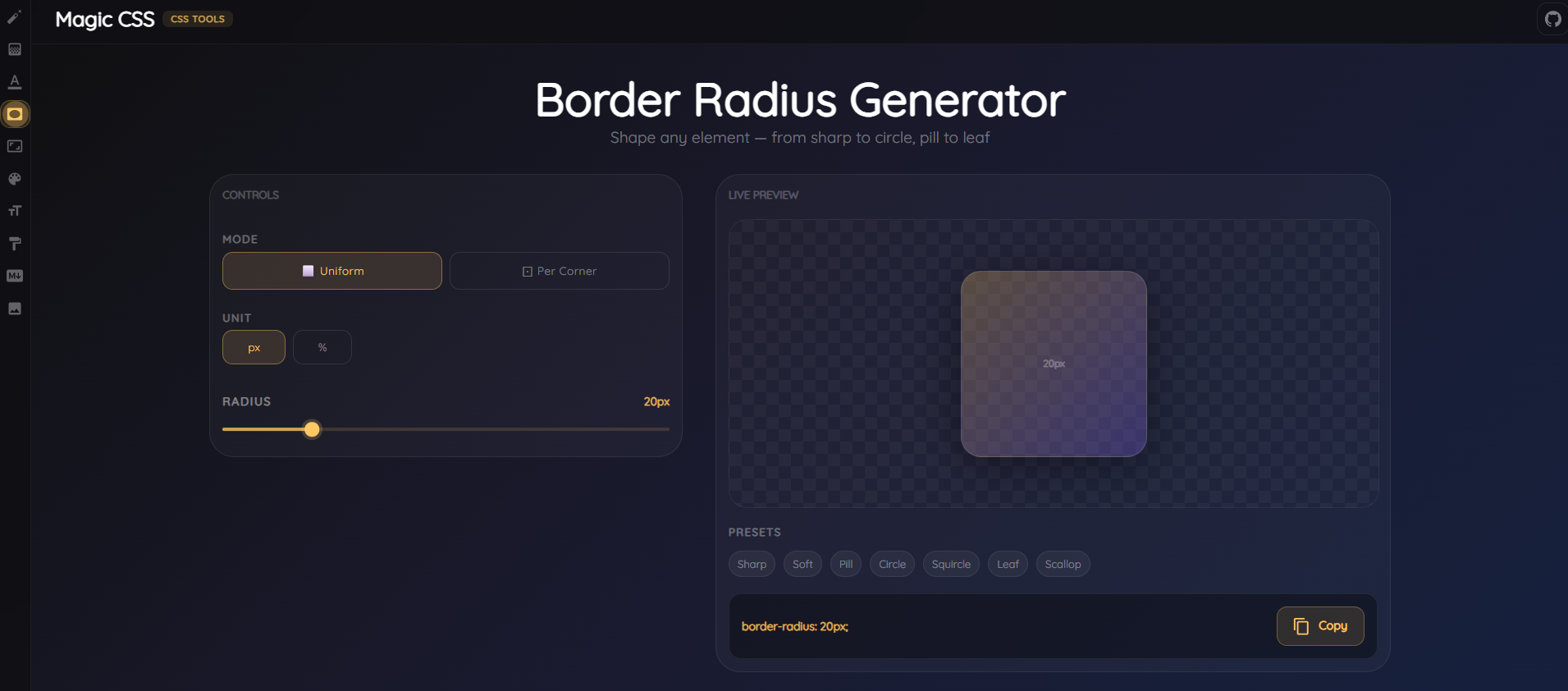
🔲 Border Radius Generator
Create perfect rounded corners with interactive sliders and visual preview.
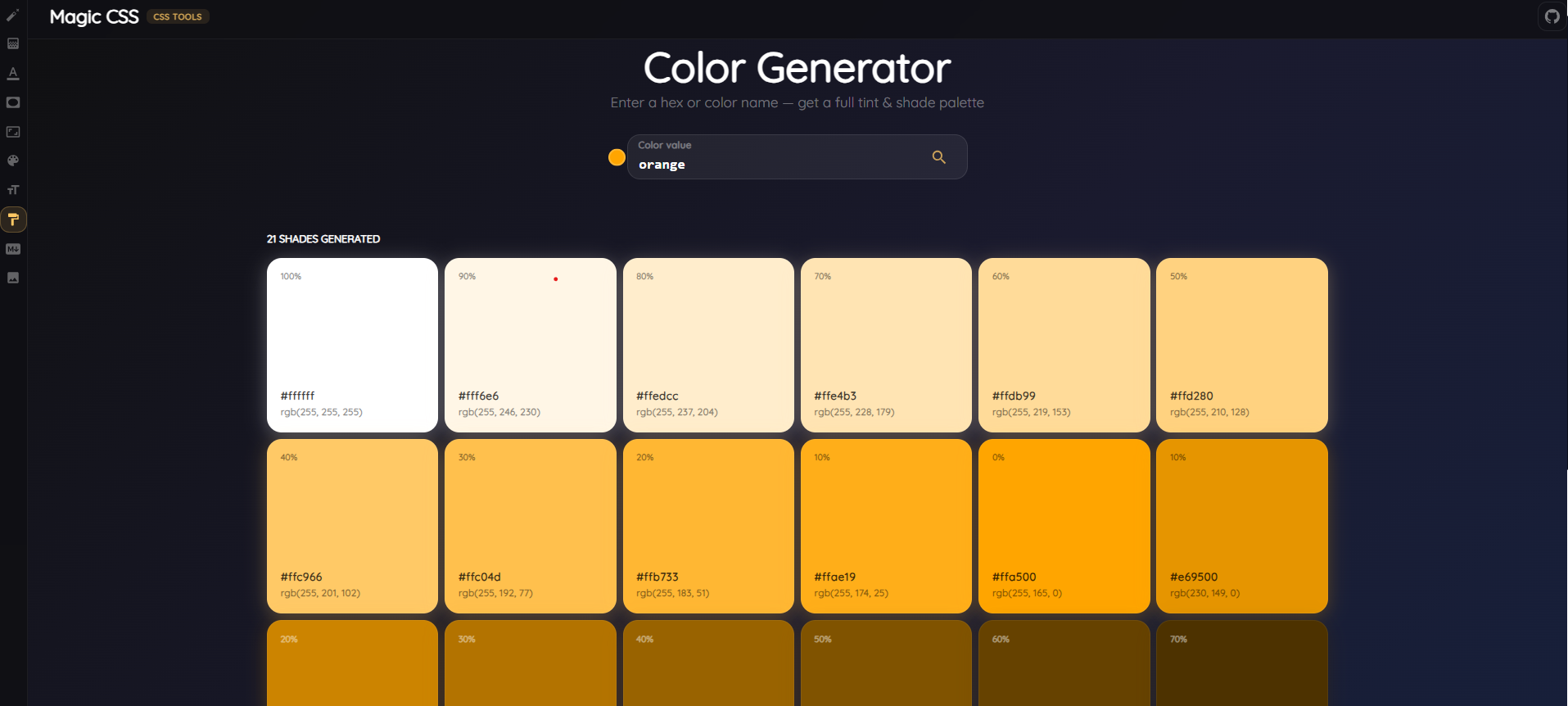
🎨 Color Generator
Generate harmonious color palettes and explore color variations effortlessly.
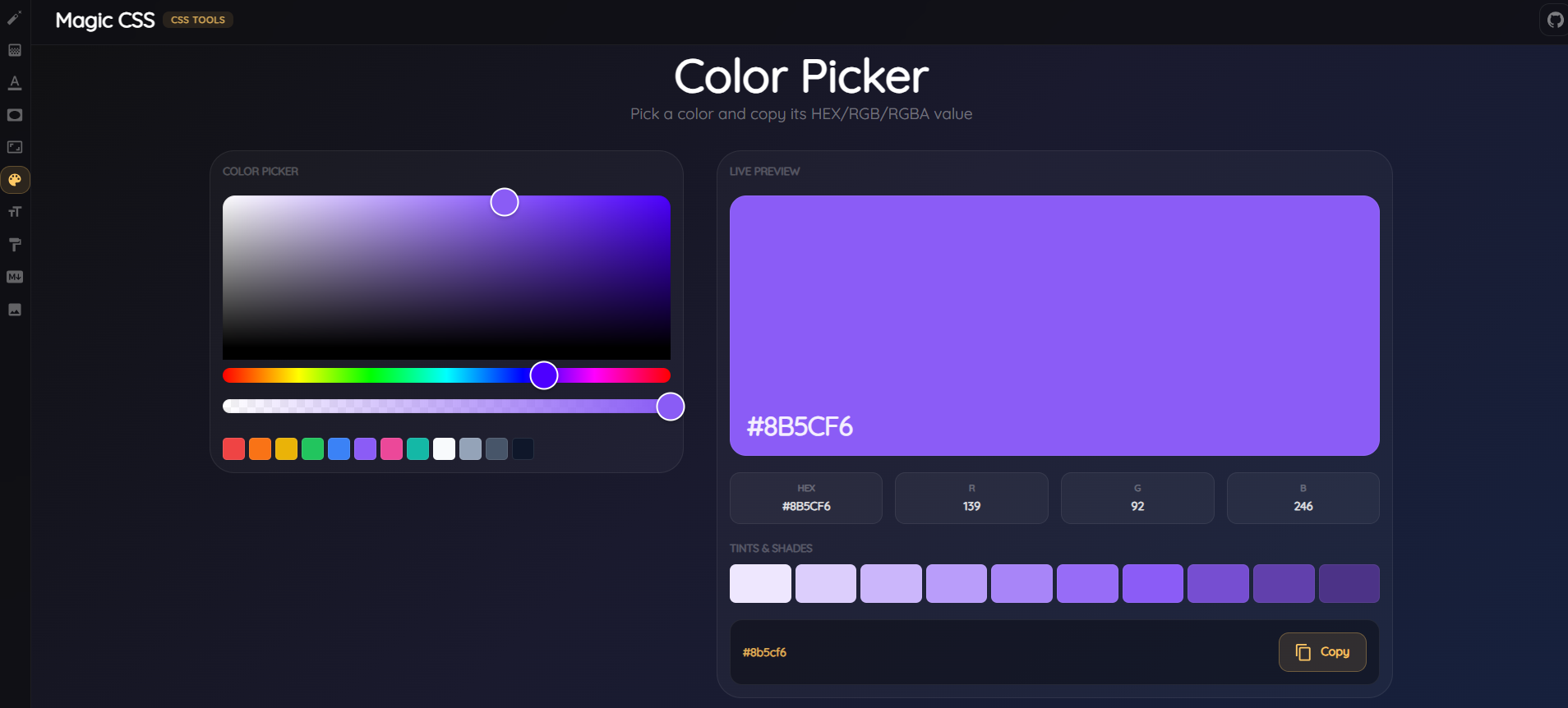
🌈 Color Picker
Pick and manage colors with an intuitive color selection interface.
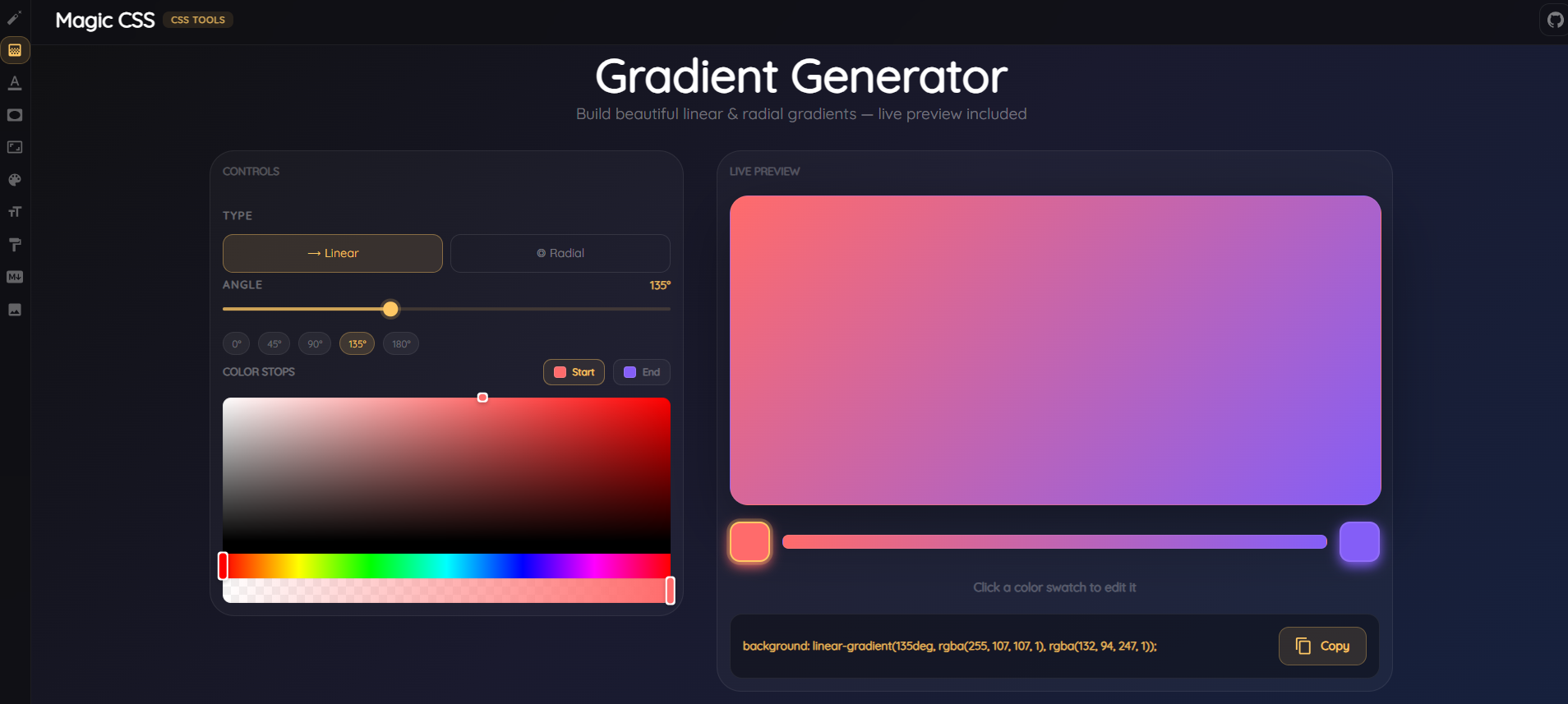
🌅 Gradient Generator
Design beautiful CSS gradients with multiple color stops and directions.
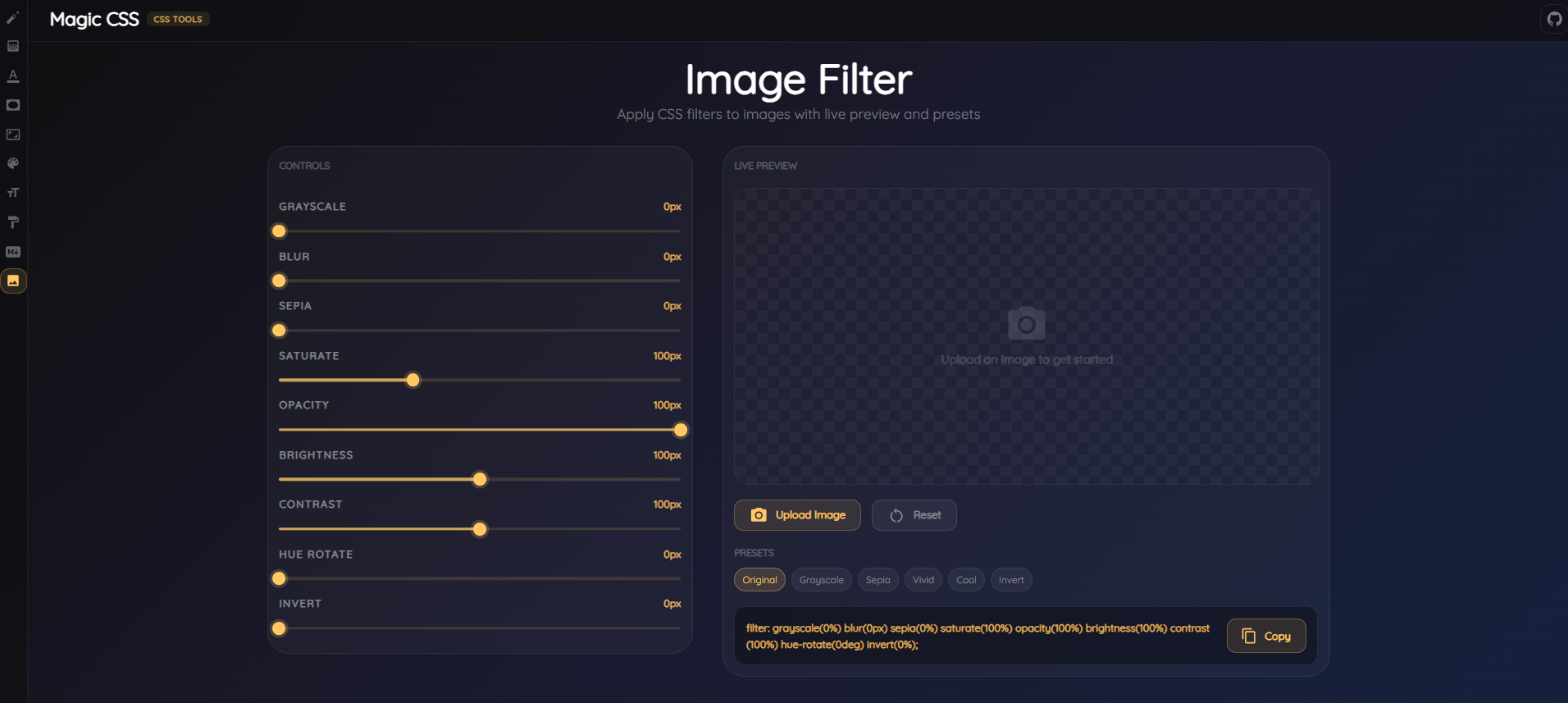
📸 Image Filter
Apply stunning CSS filters to your images with real-time preview.
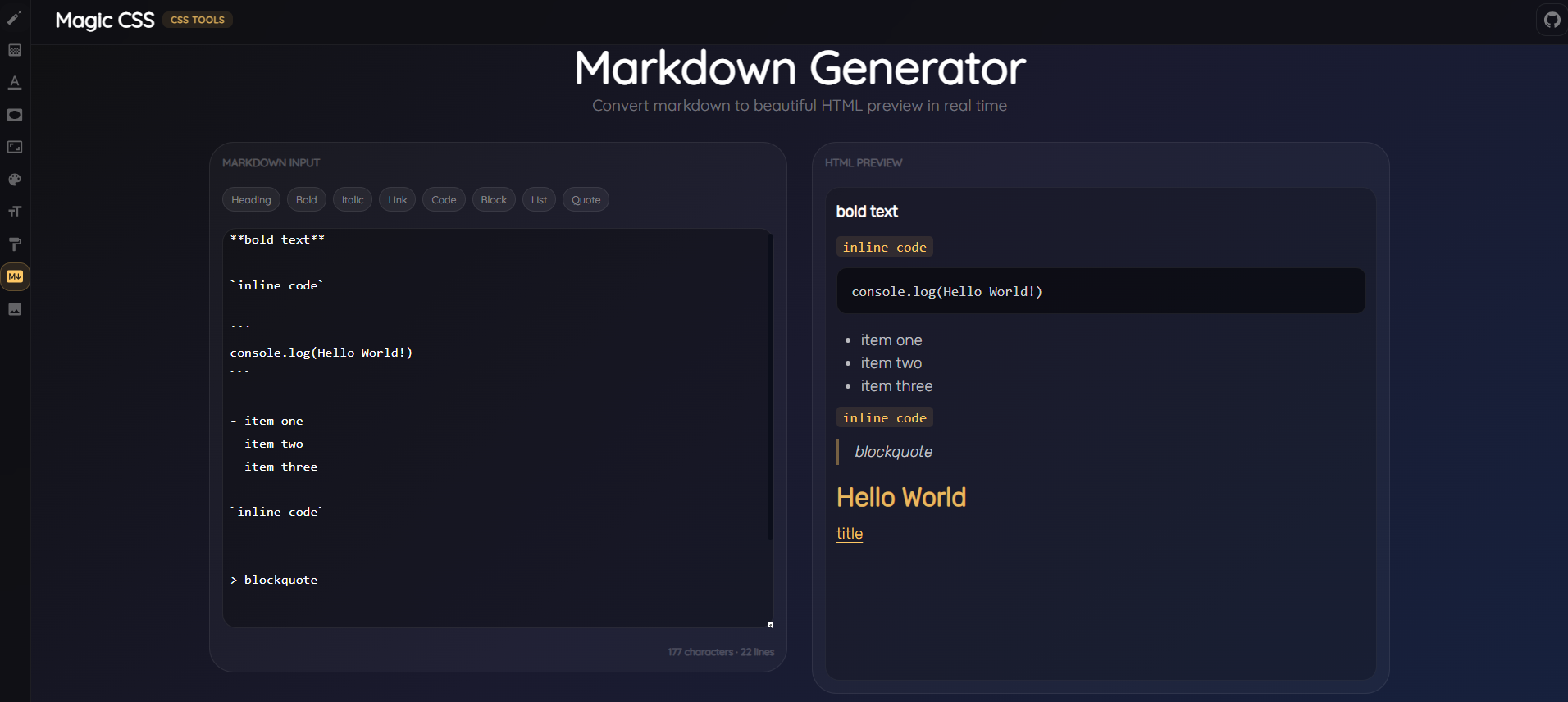
📝 Markdown Generator
Convert your CSS and styling into markdown documentation.
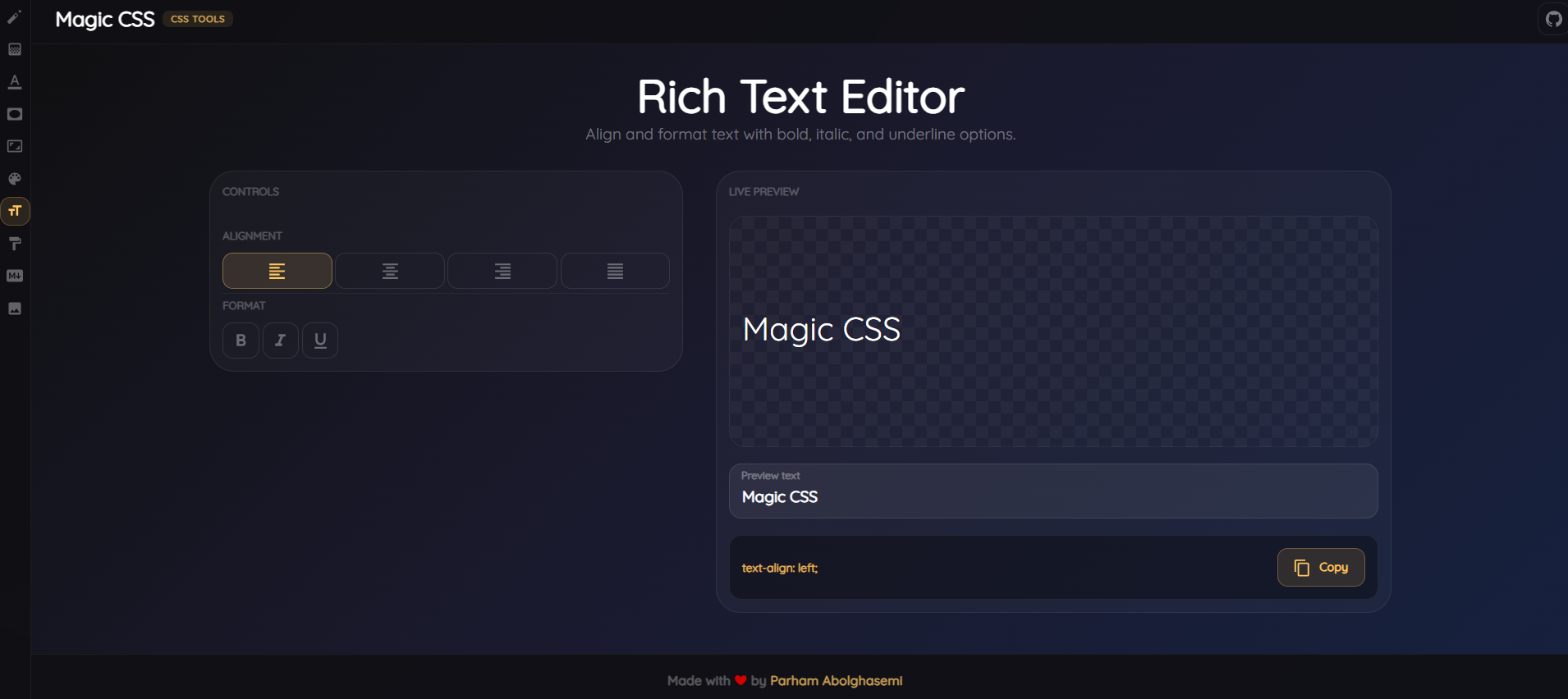
✍️ Text Editor
Rich text editor with live CSS styling capabilities.
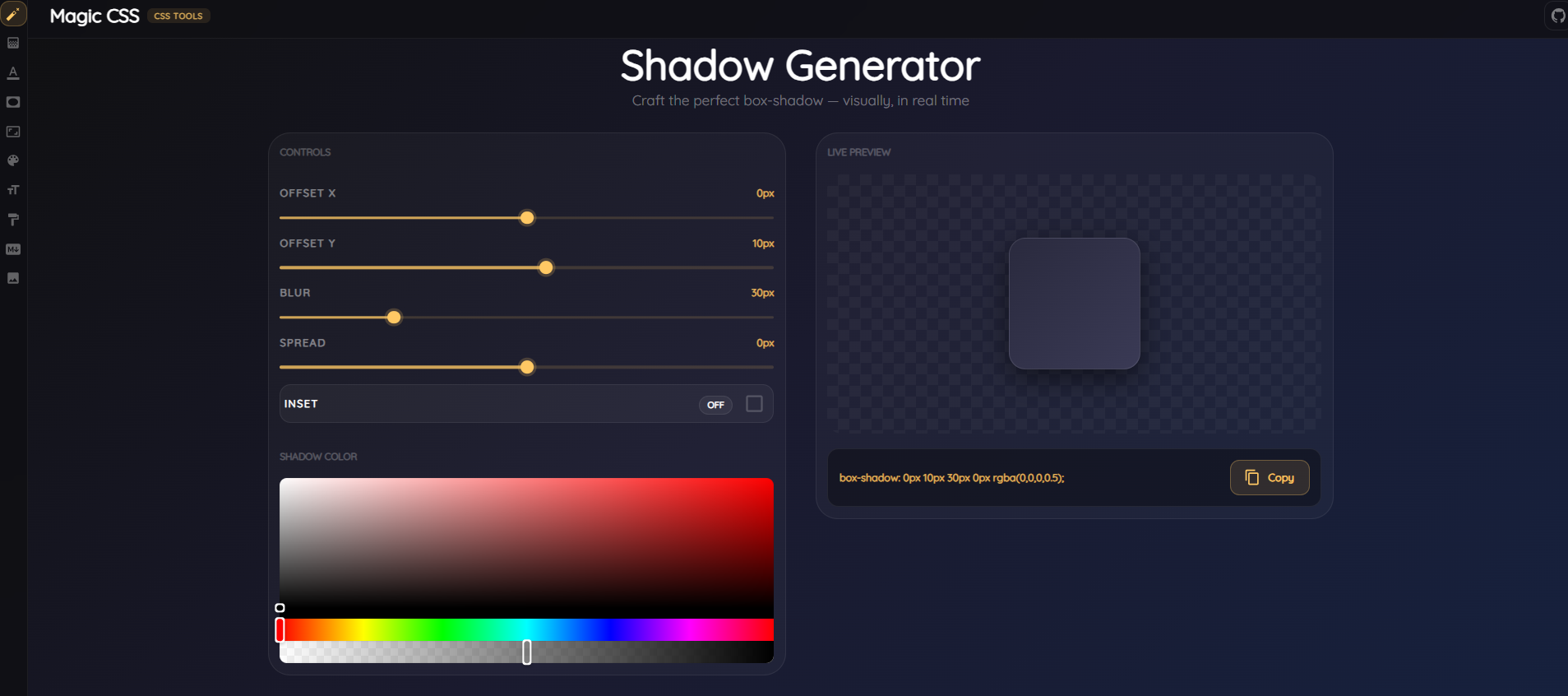
🎭 Shadow Generator
Create beautiful box shadows with intuitive controls.
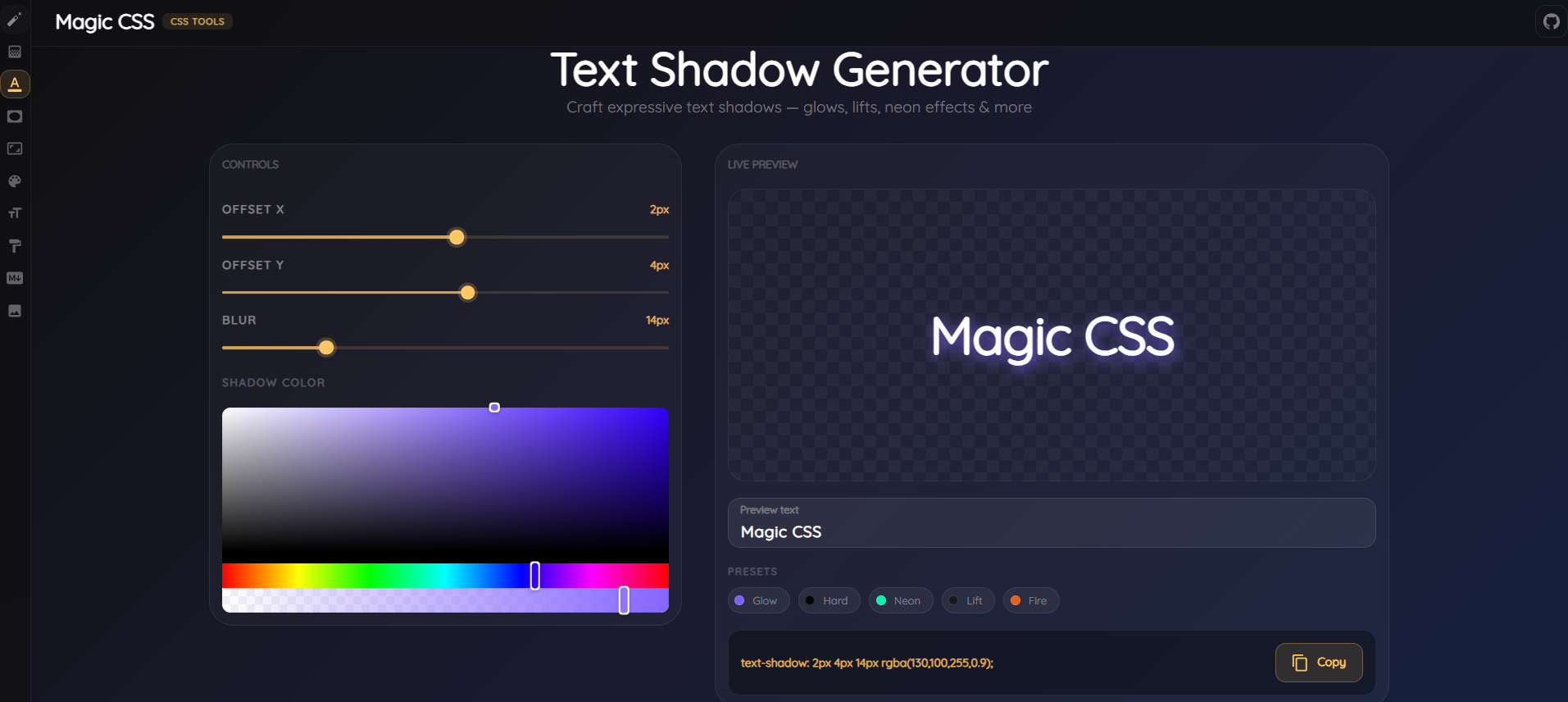
🔤 Text Shadow Generator
Design eye-catching text shadows with multiple presets.
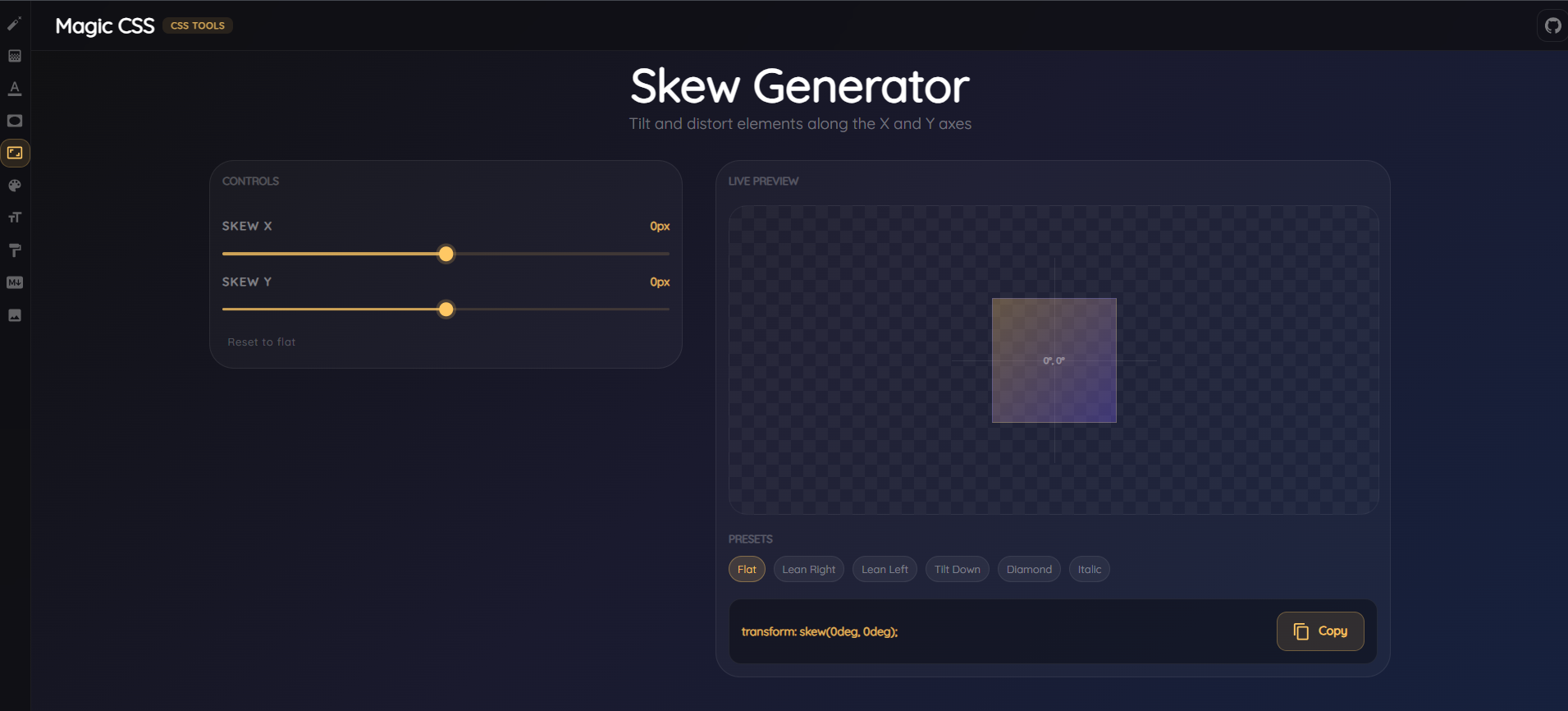
📐 Skew Generator
Apply dynamic skew transformations to elements.
💡 Key Features
✅ Interactive Real-Time Preview - See changes instantly as you adjust parameters
✅ One-Click Copy to Clipboard - Easily copy generated CSS code
✅ Multiple Presets - Quick access to popular configurations
✅ Responsive Design - Works seamlessly on all devices
✅ Beautiful UI - Modern Material-UI design system
✅ No Dependencies Required - Pure CSS generation
🛠️ Tech Stack
- React 18 - Modern UI framework
- Material-UI (MUI) - Component library
- Sass - CSS preprocessing
- React Router - Client-side routing
- React Icons - Icon library
- React Hot Toast - Notifications
- React Colorful - Color picker component
- Emotion - CSS-in-JS styling
📦 Installation
Prerequisites
- Node.js (v14 or higher)
- npm or yarn
Setup
-
Clone the repository
git clone https://github.com/parham-ab/React-magic-css.git cd magic-css -
Install dependencies
npm install -
Start the development server
npm startOpen http://localhost:3000 in your browser
-
Build for production
npm run build
🎯 How to Use
- Navigate to the tool you want to use
- Adjust parameters using interactive controls and sliders
- Preview changes in real-time
- Copy the generated CSS code with one click
- Use in your projects!
🌐 Live Demo
Experience Magic CSS live: https://magic-css-parham-ab.netlify.app/
📝 Available Scripts
npm start
Runs the app in development mode. Open http://localhost:3000 to view it in your browser.
npm run build
Builds the app for production to the build folder with optimizations.
npm test
Launches the test runner in interactive watch mode.
🤝 Contributing
Contributions are welcome! Feel free to:
- Report bugs
- Suggest new generators
- Improve existing features
- Enhance documentation
📄 License
This project is open source and available under the MIT License.
🎉 Acknowledgments
Built with React, Material-UI, and ❤️
Happy Styling! ✨